

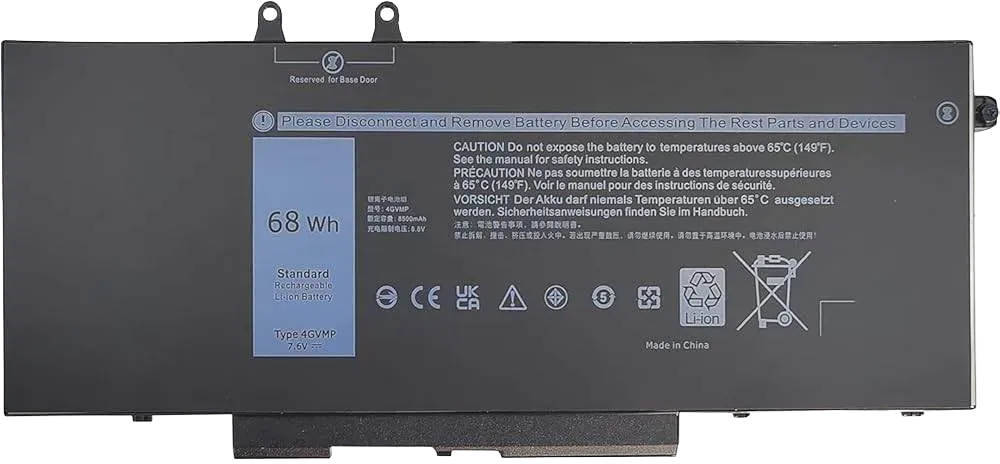
Dell Latitude 5400 5500 5410 5510 E5400 E5500 Inspiron 7590 7591 7791 2-in-1 Precision 3540 3550 Series P84F P84F001 P42E P42E001 P98G001 4GVMP
Warranty
3 Days
Make a Custom Offer
Write your offer or question and send it directly to us on WhatsApp.
Technical Specifications
Battery Type: Lithium-ion (Li-ion) / Lithium-ion Polymer
Voltage: 7.6V
Capacity: 68Wh
Cell Count: 4-Cell
Recharge Cycles: Typically rated for 300–500 cycles
Compatibility List
The 4GVMP battery is compatible with the following series and specific regulatory model numbers:
Dell Latitude: 5400, E5400, 5410, 5500, E5500, 5510
Dell Precision: 3540, 3550, M3540, M3550
Dell Inspiron: 7590 2-in-1, 7591 2-in-1, 7791 2-in-1
Note: This battery typically does not fit the standard (non 2-in-1) Inspiron 7590, 7591, or 7791 models
Regulatory Models (P-Series): P84F, P84F001, P42E, P42E001, P98G001, P80F001
Alternative Part Numbers
If you cannot find "4GVMP," these part numbers are often interchangeable depending on the specific capacity (Wh) required for your build:
H82T6, 0C5GV2, 1V1XF (42Wh version), R8D7N (51Wh version), RF7WM, X77XY
Installation & Usage Tips
Verification: Dell often offers different battery sizes for the same laptop model (e.g., 42Wh, 51Wh, or 68Wh). Before purchasing, open your laptop's back cover to confirm the physical size and part number of your original battery
Initial Calibration: For a new battery, it is recommended to discharge it to 5–10% (not 0%) and then fully charge it. Repeating this 3–4 times can help "wake up" the new cellsStorage: If storing the laptop for a long time, keep the battery charged to approximately 50% rather than leaving it empty
Technical specifications
Product features and details
- Condition
- Refurbished
Related Products
View All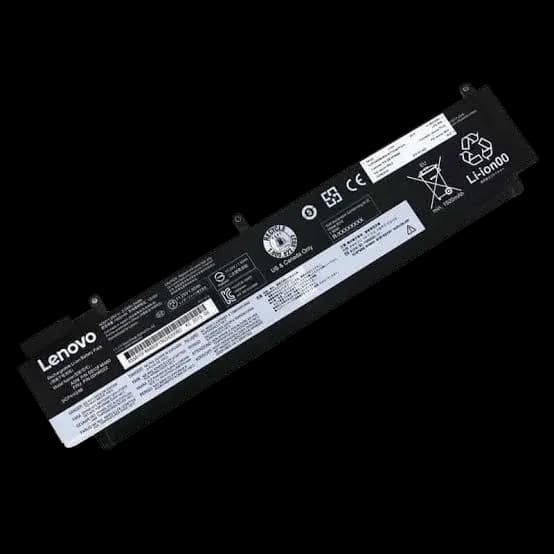
Lenovo thinkpad t460s / t470s laptop battery | compatible part numbers: 01av405 / 01av406 / 01av462 / 00hw024 / 00hw025 / 00hw038 / sb10j79002 / l16m3p73 / sb10k97605 | replacement battery
Batteries
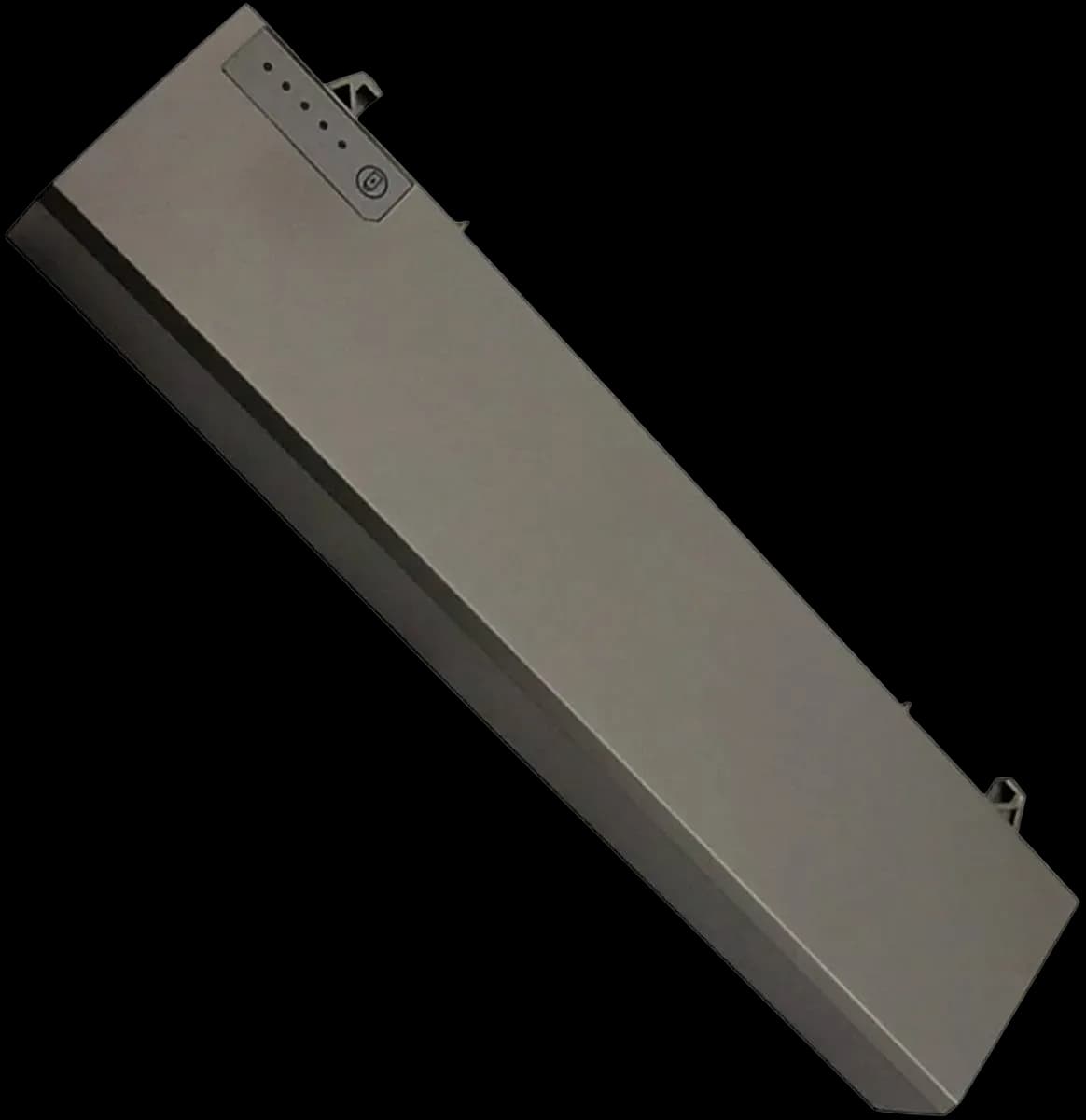
Dell laptop battery p018k | compatible with latitude e6400 / e6410 / e6500 / e6510 and precision m2400 / m4500 | replacement battery
Batteries
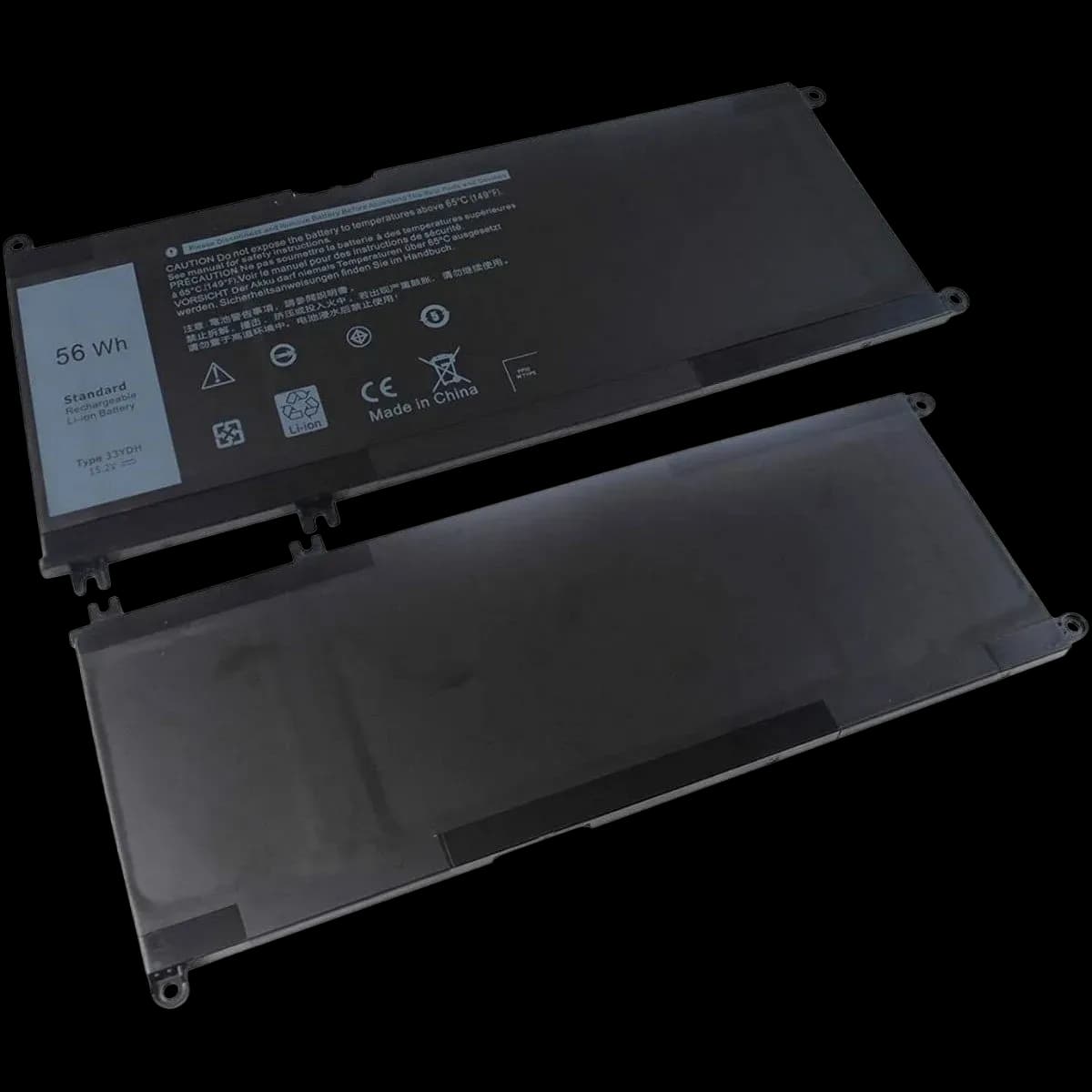
Dell laptop battery 56wh | compatible with latitude 3380 / 3490 / 3580 / 3590 | part number: 33ydh | replacement battery
Batteries
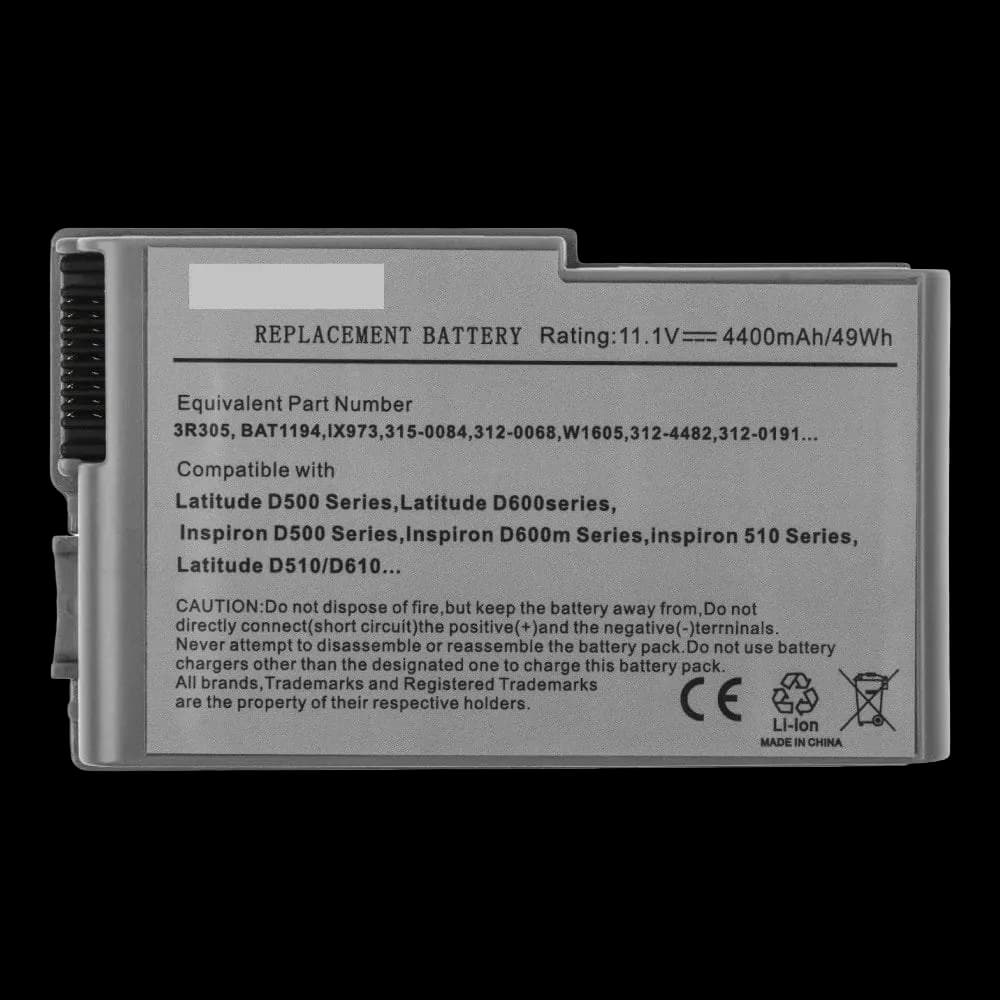
Dell laptop battery 3r305 | compatible with latitude d500 / d600 series and inspiron 500m / 600m | replacement battery
Batteries