

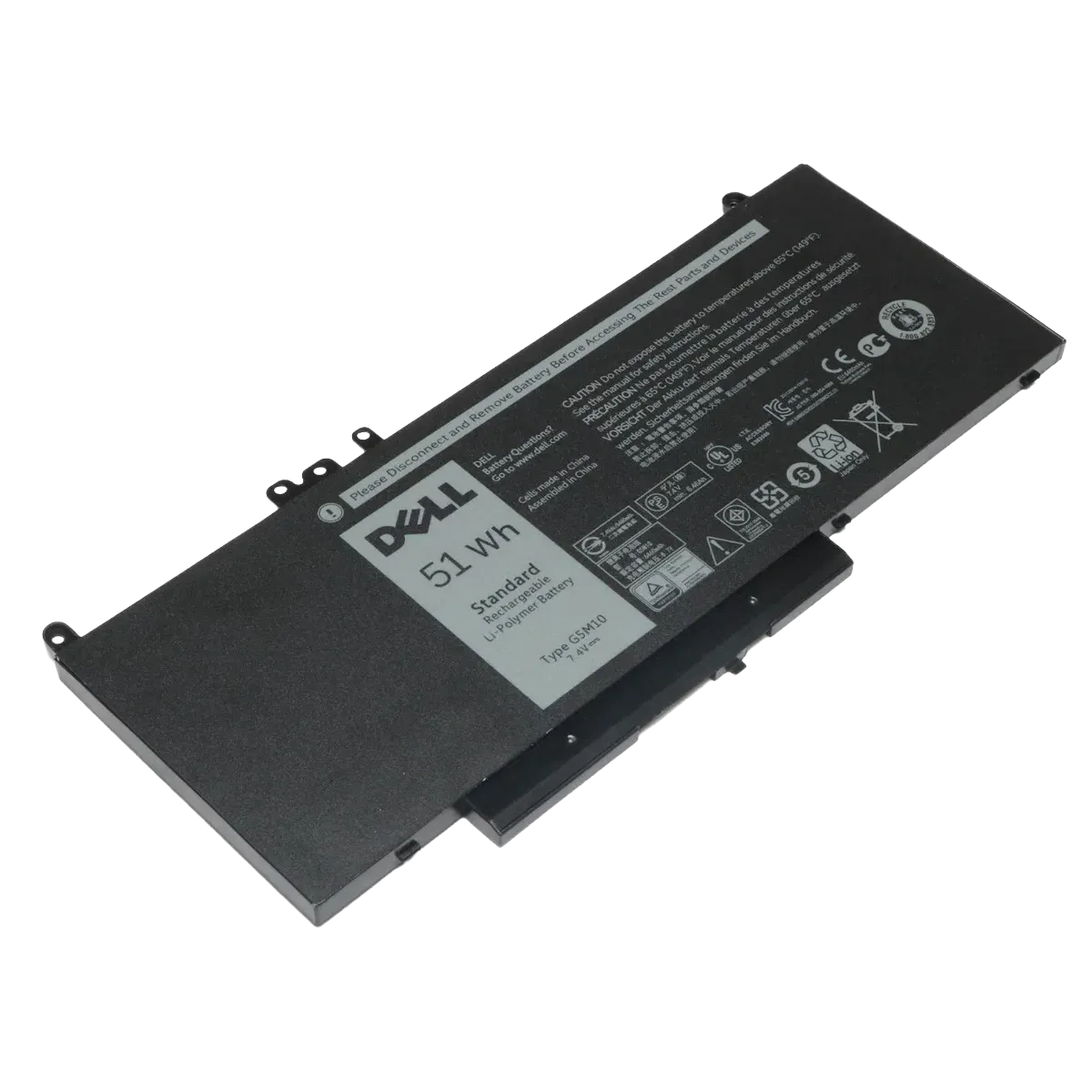
Dell Latitude E5450, E5550 62Whr 4-Cell Laptop Battery R0TMP
Warranty
3 Days
Make a Custom Offer
Write your offer or question and send it directly to us on WhatsApp.
Key Specifications
Capacity: 62Wh (6200mAh)
Voltage: 7.6V
Battery Type: Lithium-ion Polymer (Li-Polymer)
Cell Count: 4-Cell
Condition: Available as 100% OEM Brand New
Compatibility Information
This battery is a direct replacement for various part numbers and fits several Latitude models.
Primary Models: Dell Latitude E5450 and E5550
Extended Compatibility: Also fits Latitude 12 E5250 (only if equipped with an mSATA SSD, not a 2.5" drive), Latitude 11 (3150, 3160), and Latitude 15 (3550)
Compatible Part Numbers: R0TMP, G5M10, RYXXH, 8V5GX, and WYJC2
Non-Compatibility Note: This battery does not fit the Latitude E5470 or E5570 models, which typically use the 6MT4T battery type
Pricing and Availability in Pakistan
Prices for the R0TMP battery (and its compatible variant G5M10) vary by merchant and condition.
Buyerhub.pk: Listed at ₨ 8,499 with a 4-month warranty.
Laptop Spares Pakistan: Priced around ₨ 6,499 (sale price) to ₨ 9,499 (regular price).
SS Mart: Offers a variant for approximately ₨ 7,500.
Daraz.pk: Prices range from ₨ 6,999 to ₨ 9,175 depending on the specific seller and "originality" claim.
Performance Highlights
Runtime: Users report approximately 4+ hours of normal usage [1]. Some tests suggest up to 6.5–7.2 hours for moderate tasks like web browsing
Maintenance Tip: To extend the lifespan, avoid keeping the battery at 100% charge for long periods; using the Dell Power Manager to limit charging to 80% is recommended
Technical specifications
Product features and details
- Condition
- Refurbished
Related Products
View All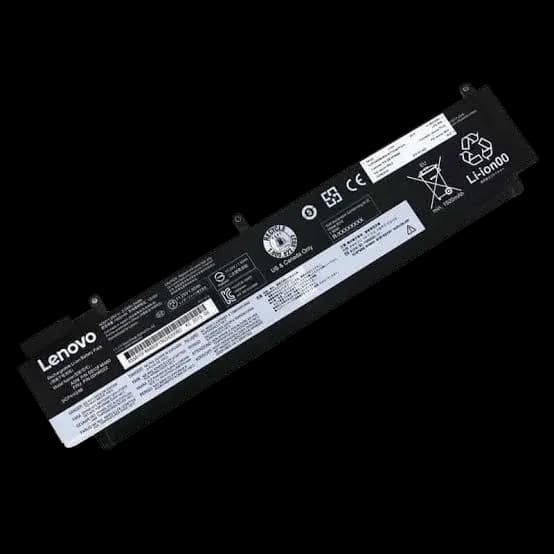
Lenovo thinkpad t460s / t470s laptop battery | compatible part numbers: 01av405 / 01av406 / 01av462 / 00hw024 / 00hw025 / 00hw038 / sb10j79002 / l16m3p73 / sb10k97605 | replacement battery
Batteries
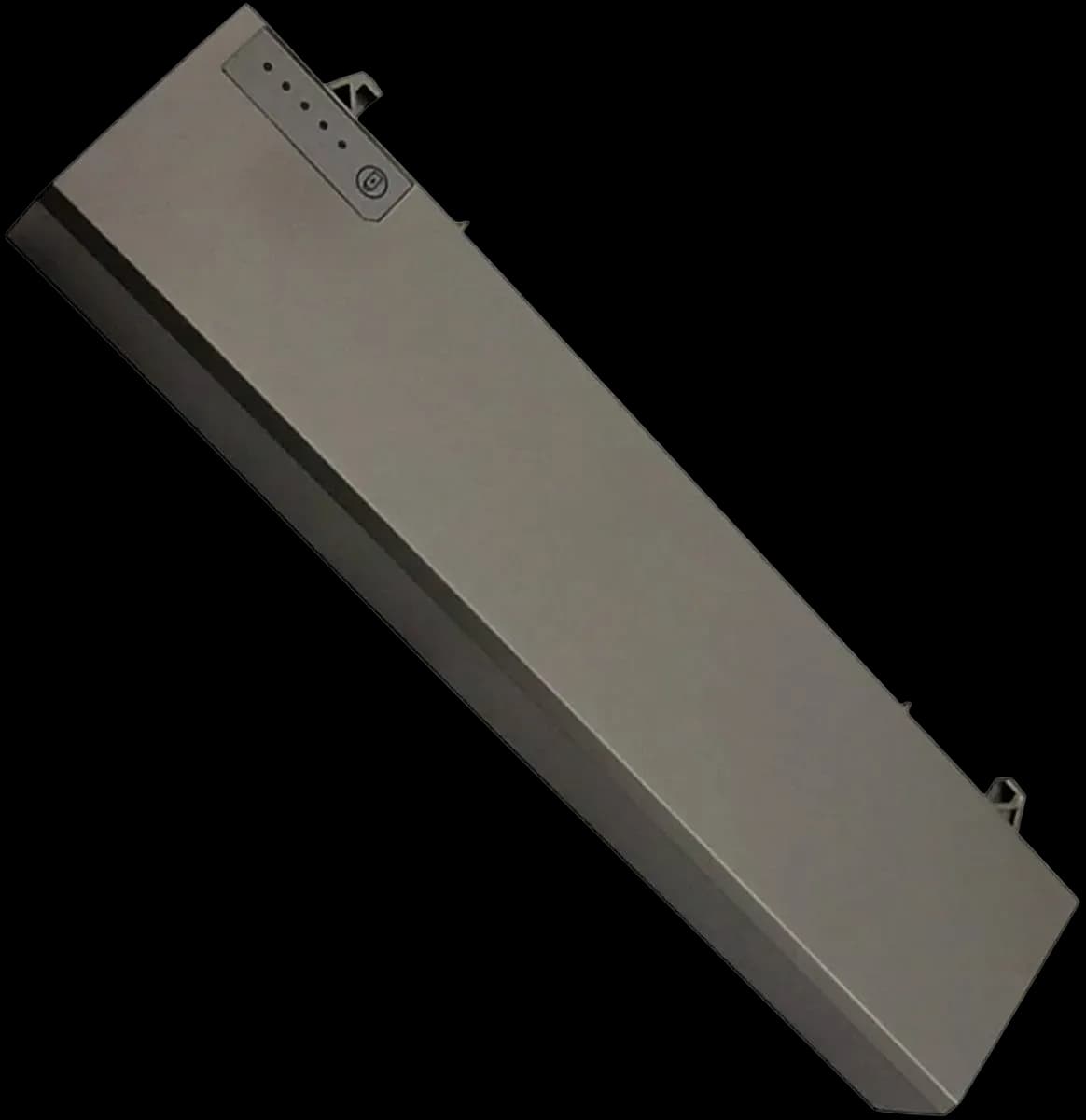
Dell laptop battery p018k | compatible with latitude e6400 / e6410 / e6500 / e6510 and precision m2400 / m4500 | replacement battery
Batteries
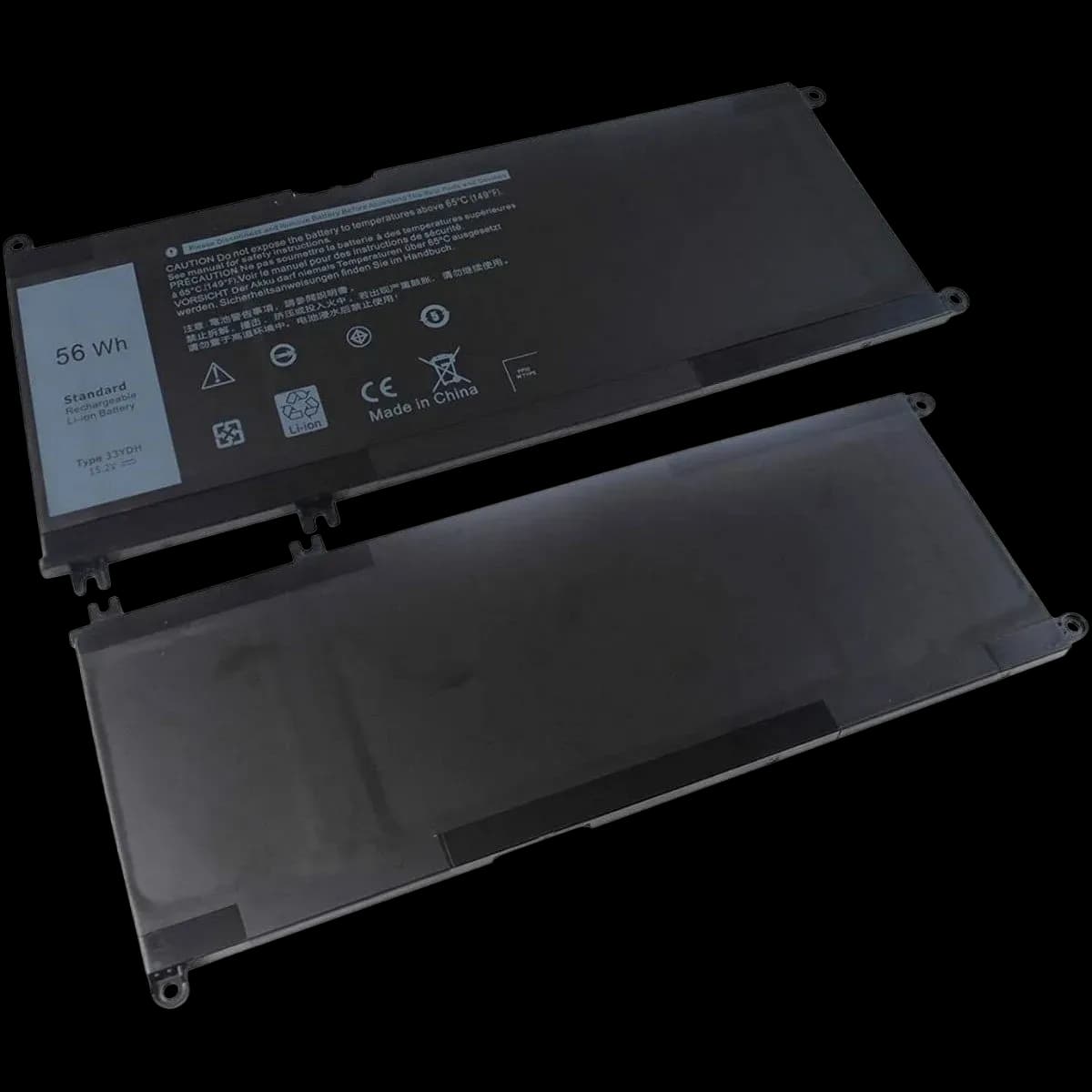
Dell laptop battery 56wh | compatible with latitude 3380 / 3490 / 3580 / 3590 | part number: 33ydh | replacement battery
Batteries
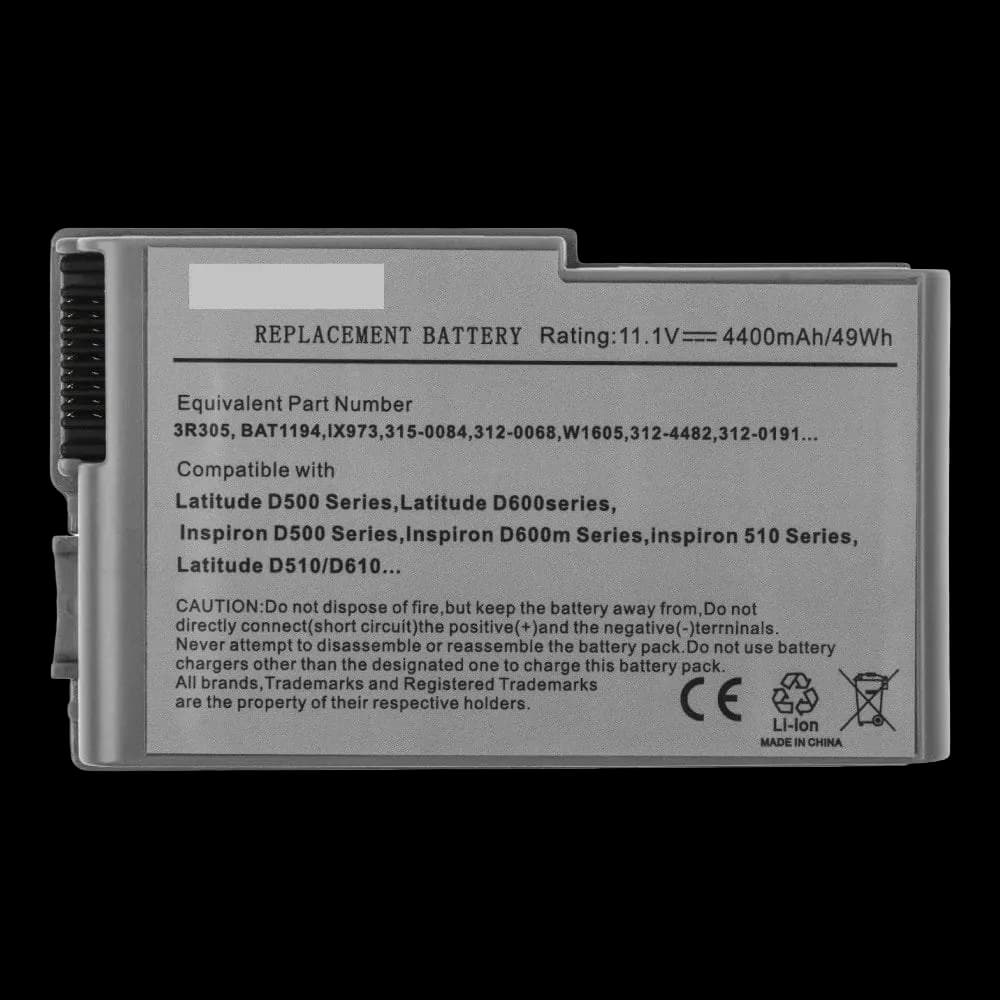
Dell laptop battery 3r305 | compatible with latitude d500 / d600 series and inspiron 500m / 600m | replacement battery
Batteries