

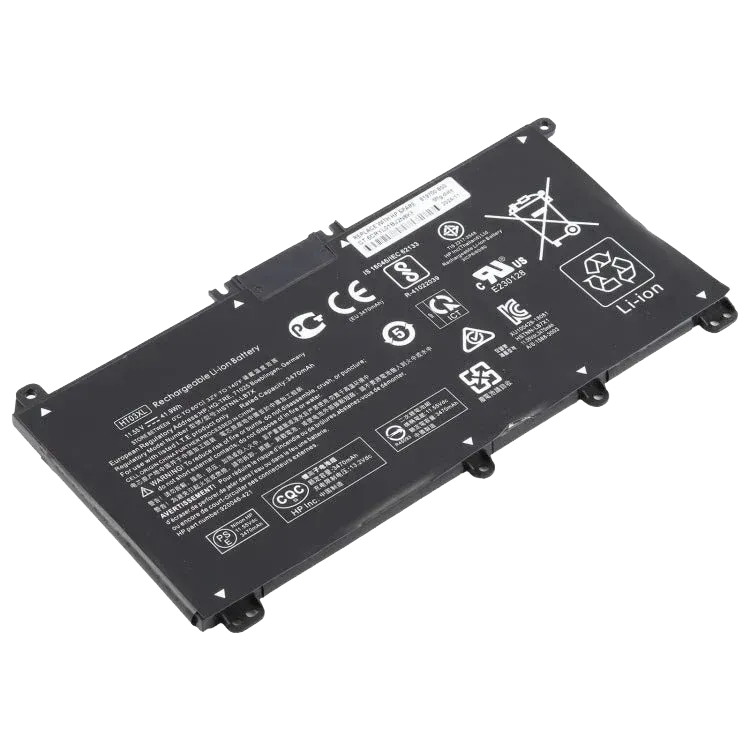
HP Pavilion Laptop Battery | 3-Cell | Compatible with 15-CS / 15-CW / 15-CU / 15-DA / 15-DB / 15-DW / 14-CE / 14-CF / 14-DF / 17-CA Series | Part Numbers: HSTNN-DB8R / HT03XL | Replacement Battery
Warranty
3 Days
Make a Custom Offer
Write your offer or question and send it directly to us on WhatsApp.
Core Specifications
Voltage: Standard 11.55V (some variants may show 11.4V)
Capacity: Typically 3630mAh (~41.9Wh), though 3470mAh versions also exist
Type: 3-Cell Li-ion Polymer
Safety Features: Often includes built-in protections against overcharging, short-circuiting, and overheating
Compatibility List
The HT03XL is compatible with a wide range of HP series, including those you mentioned and several others:
Pavilion 14: 14-CE, 14-CF, 14-DF, 14-DQ, 14-CK, 14-CM, 14-DK, 14-FQ
Pavilion 15: 15-DA, 15-DB, 15-DW, 15-CS, 15-DY, 15-CW, 15-EF, 15-CU
Pavilion 17: 17-BY, 17-CA [1, 2].
Other Models: HP 240 G7, 245 G7, 250 G7, 255 G7, 340 G5, 348 G5
Buying & Replacement Tips
Verify Model: Before purchasing, it is highly recommended to open your laptop's back cover to confirm the model number on your original battery matches "HT03XL"
Installation: Replacing it generally requires a Philips #0 screwdriver. You must remove the bottom panel screws (some may be hidden under rubber feet) and disconnect the battery cable from the motherboard before unscrewing the old unit
Technical specifications
Product features and details
- Condition
- Refurbished
Related Products
View All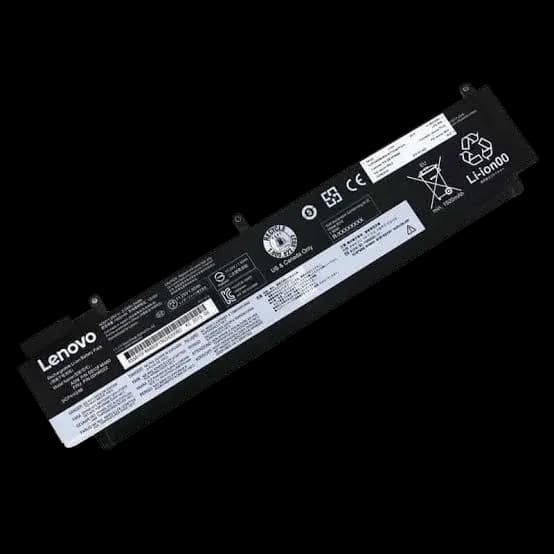
Lenovo thinkpad t460s / t470s laptop battery | compatible part numbers: 01av405 / 01av406 / 01av462 / 00hw024 / 00hw025 / 00hw038 / sb10j79002 / l16m3p73 / sb10k97605 | replacement battery
Batteries
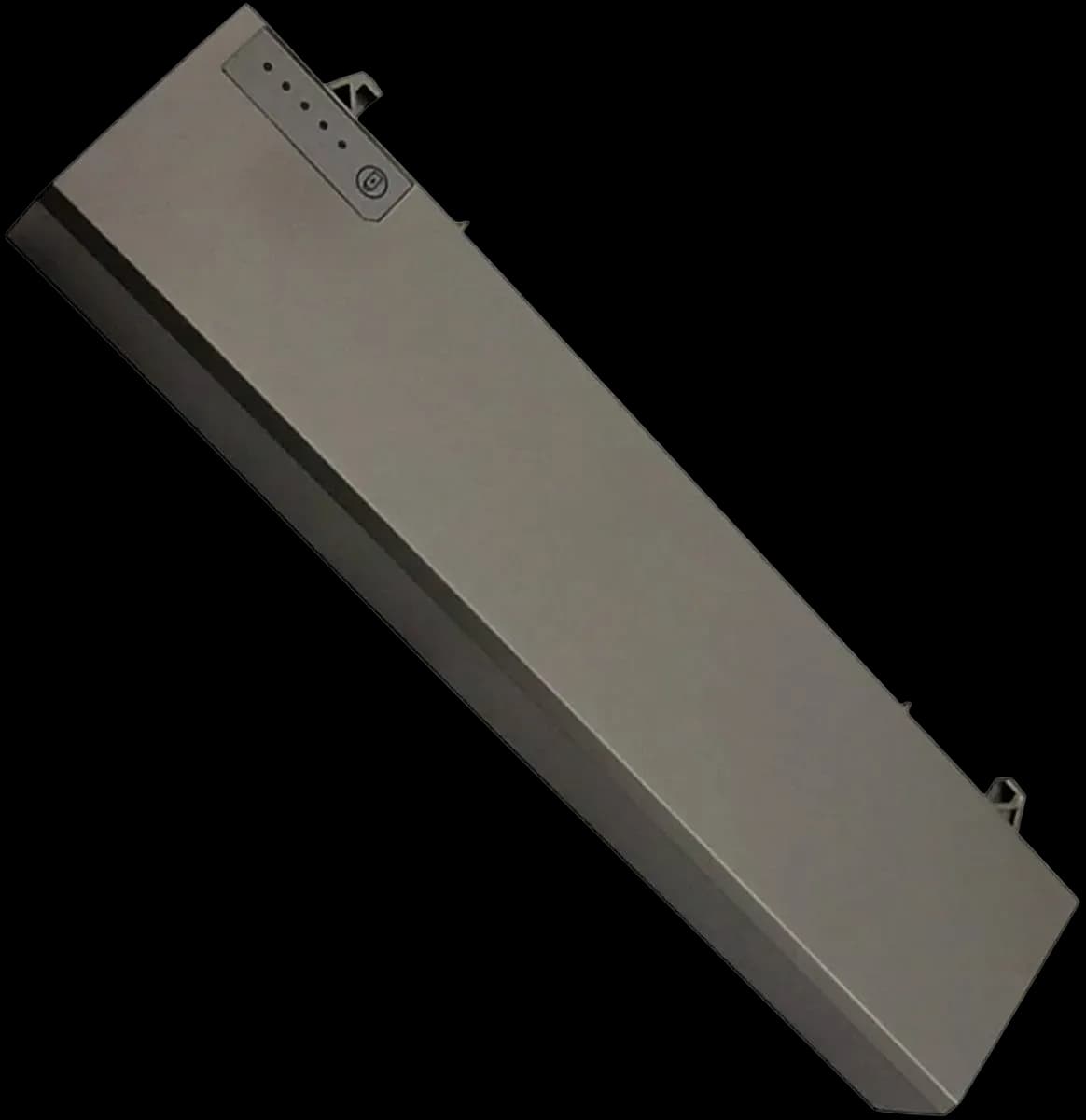
Dell laptop battery p018k | compatible with latitude e6400 / e6410 / e6500 / e6510 and precision m2400 / m4500 | replacement battery
Batteries
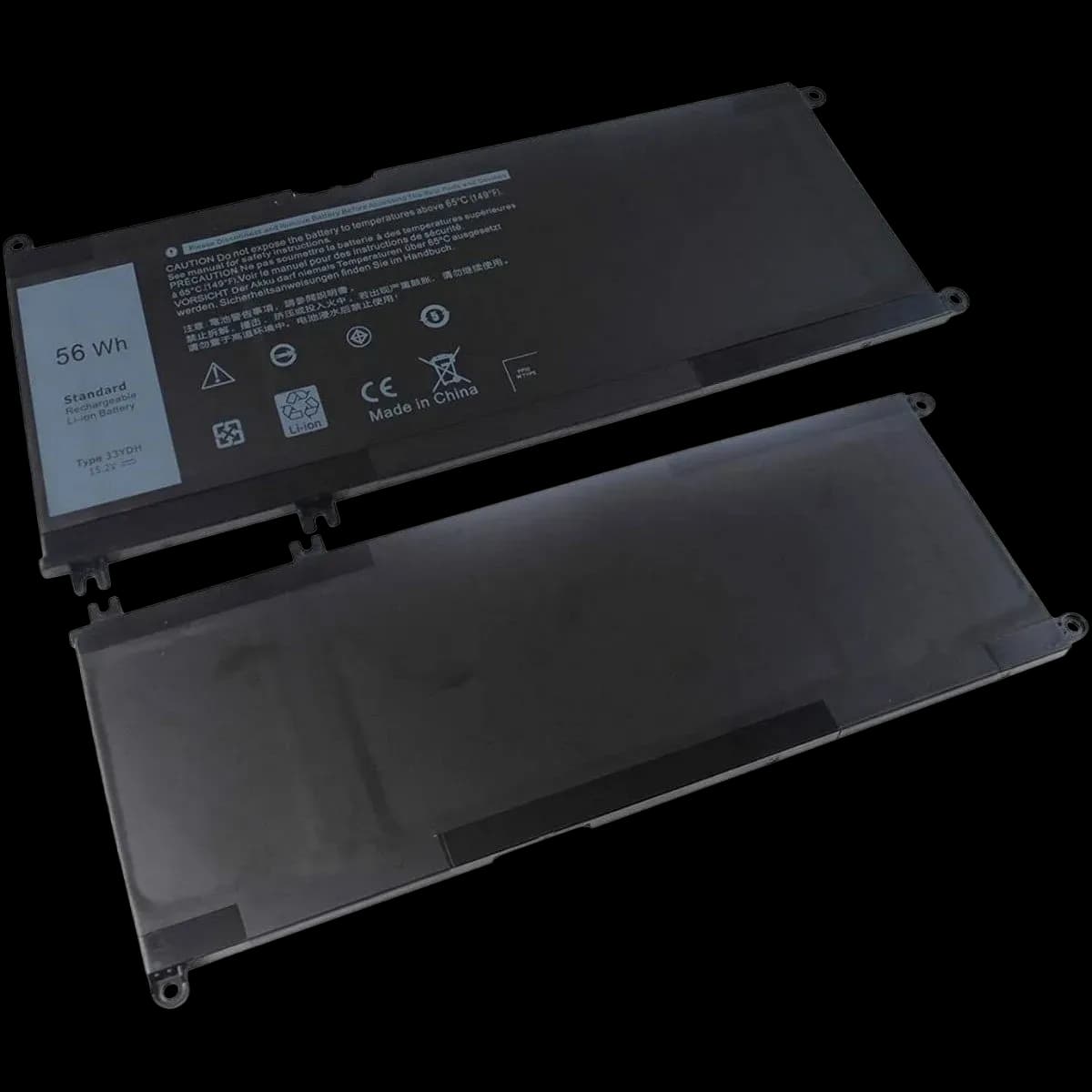
Dell laptop battery 56wh | compatible with latitude 3380 / 3490 / 3580 / 3590 | part number: 33ydh | replacement battery
Batteries
Dell laptop battery 3r305 | compatible with latitude d500 / d600 series and inspiron 500m / 600m | replacement battery
Batteries